
Product / Forecasting & events
Forecast the event. Then measure the forecast.
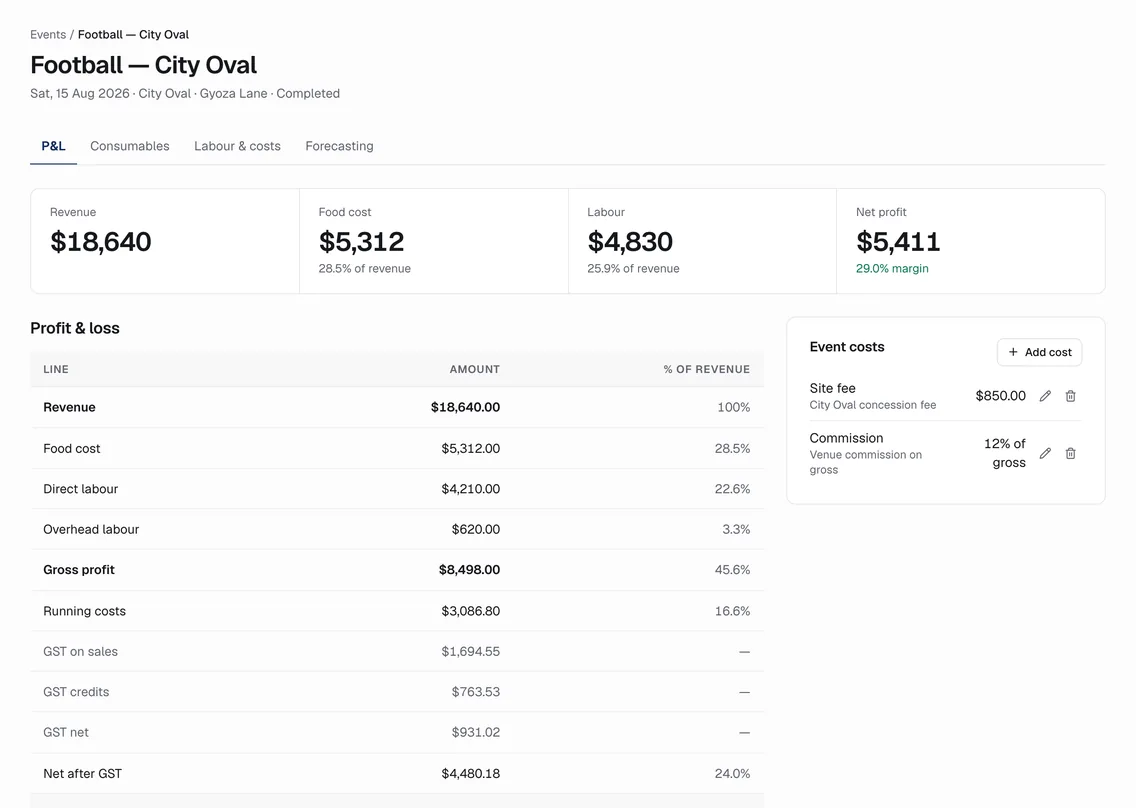
Every festival, stadium fixture and market weekend has its own record, with a forecast three ways, an order window, prep, labour and a P&L. The engine’s walk-forward error is on the hub for anyone to see.
01
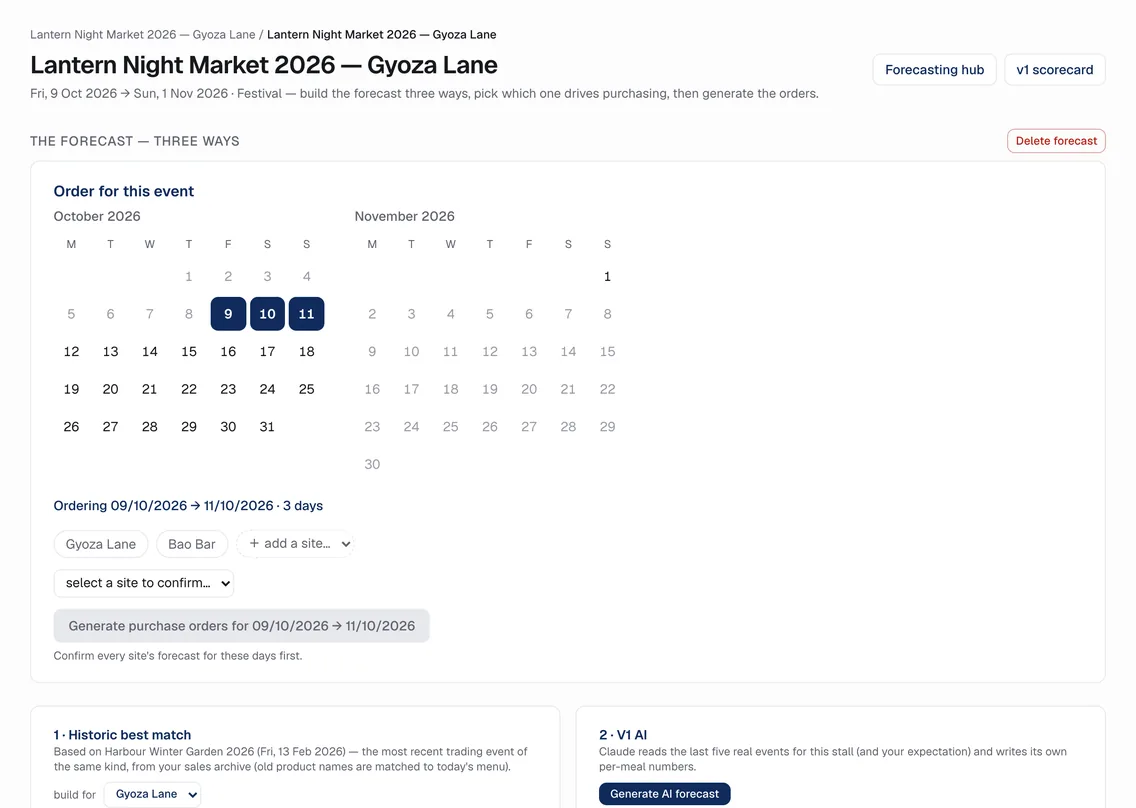
Three ways, one active
Historic best match starts from the most recent completed event of the same kind using its actual sales. The model (when enabled) reads the last five real events and your expectation. Or type your own per-meal numbers. Whichever you make active is what purchasing derives from.
02
Order windows, per site
Pick the days the orders cover, confirm each site, and generate draft purchase orders per supplier. Multi-day events reorder mid-way on what actually sold.
03
Sold out is two taps
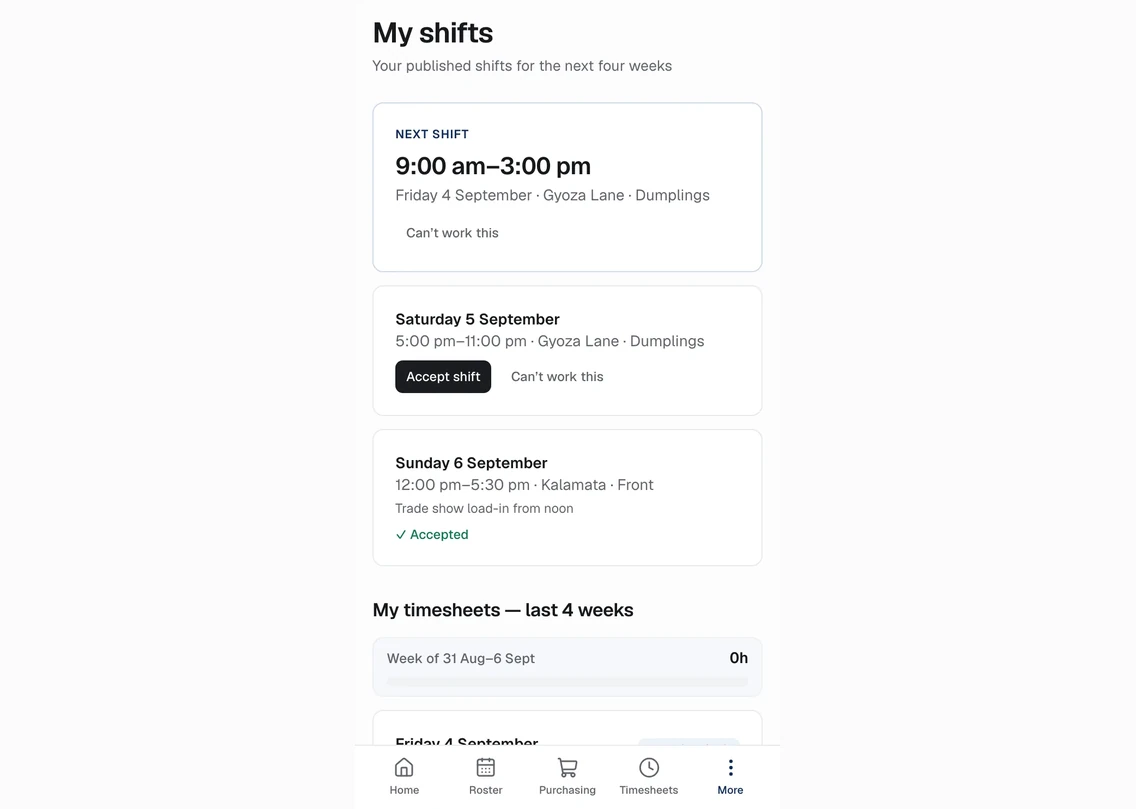
Staff report the event and sold-out item from their phone. The stock forecast learns from it; nothing else changes.
04
A scorecard, not a promise
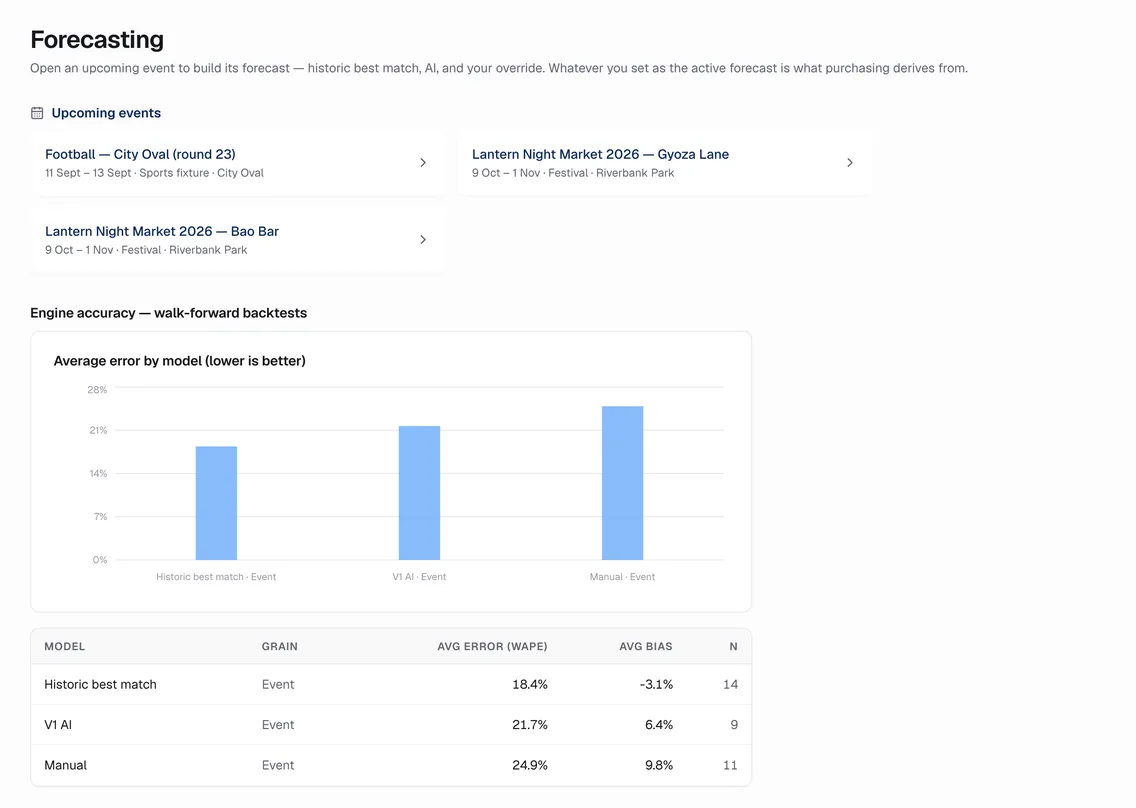
Walk-forward backtests score each model against what sold, per event. Average error by model sits on the forecasting hub.
How it works
The rules behind it.
- Events first
- Forecasting, ordering, prep and labour hang off one event record
- Honest error
- Backtest WAPE and bias per model, on the hub
- Prep from the forecast
- The kitchen worklist is derived from the active forecast, per site
Also in the product
See it on the demo venue group.
No sign-up. Change anything. It only changes for you.